JavaScript is required to properly view this site.
History
Settings
History
Close
Delete history
Settings
Close
When barcode is found...
Beep
Vibrate (mobile)
Add to history
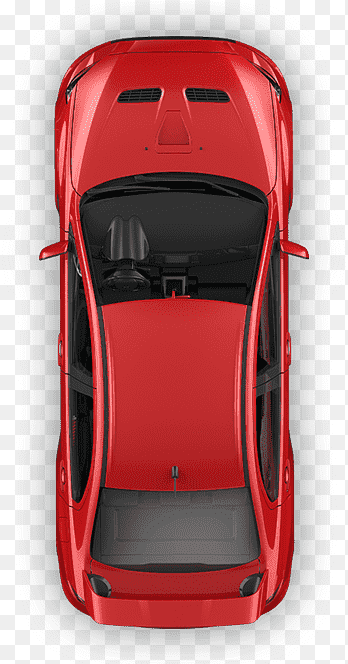
Click on car to start
Click & Scan
Click & Scan
Click & Scan
Click & Scan
X
1. Click on the car to scan the QR on the car
2. Click on each wheel to scan them
Next car
Scanner
Click to scan another barcode.
Switch camera
Align barcode in the center of the frame.
Share